 Mailstead
Your team’s email. One service. No mail server to babysit.
Self-hosted webmail for your custom domain.
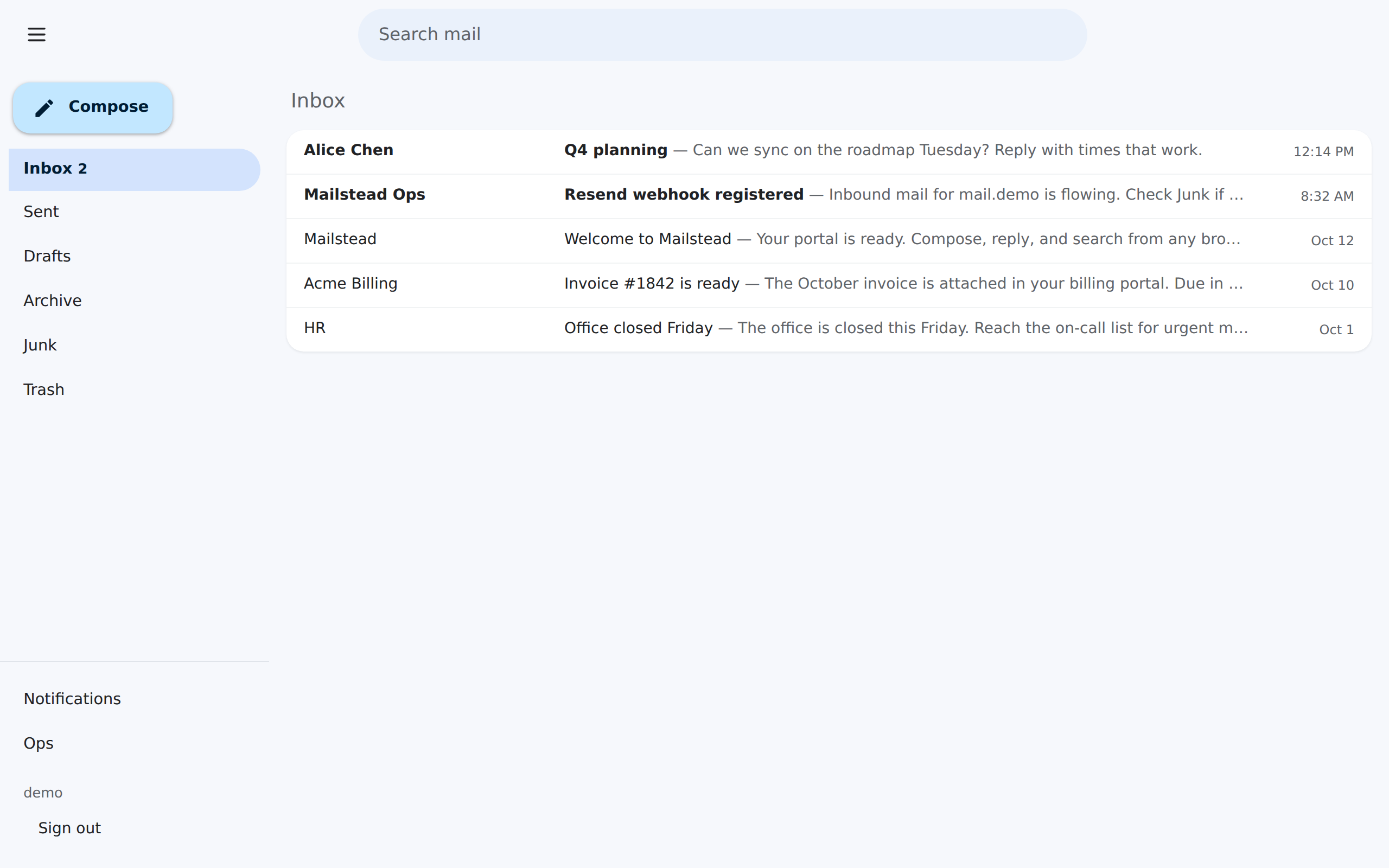
Mailstead gives small teams a familiar inbox, backed by Resend. Deploy one Docker service on Railway, connect your domain, and keep mailbox data on your own persistent volume.
MIT licence. You still verify DNS, create mailboxes, and watch provider quotas.
Who it is for
A fit
Developers, indie founders, and small teams who want you@yourdomain and are comfortable running one web application. The project is aimed at roughly 10–50 people. That range is a design target, not a published load test.
A mismatch
Teams that need Outlook or Thunderbird over IMAP, a full office suite, compliance archive, or a vendor-operated mailbox. Mailstead is the webmail application. It is not a managed email host and it does not include a mail server.
What you get on day one
Inbox work
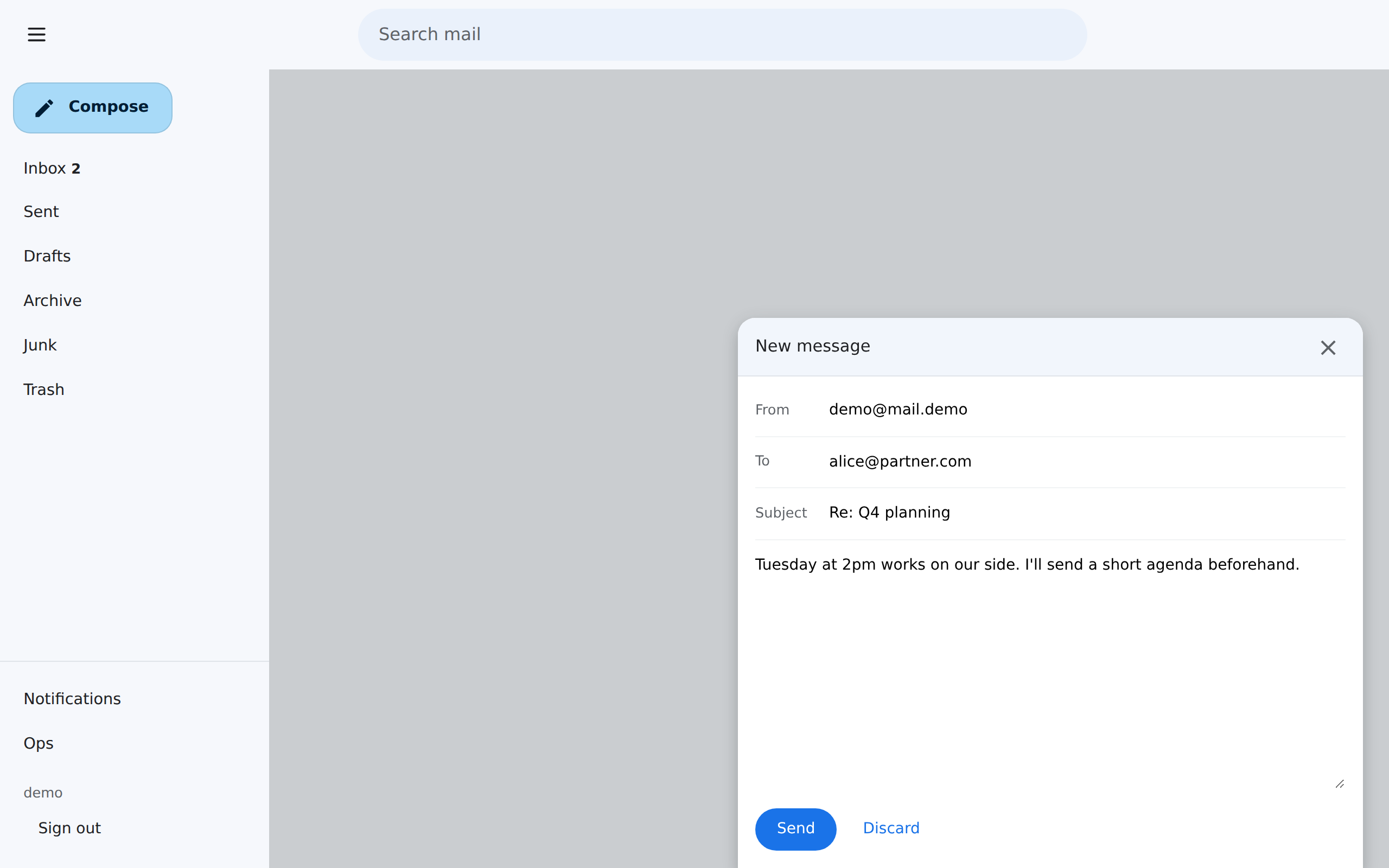
Inbox, Sent, Drafts, Archive, Junk, and Trash. Compose, reply, forward, attachments, and search. Local filter rules can file mail, and a DMARC failure can route a message to Junk. That is not a commercial spam service.
Mailbox administration
Create the first admin with a one-time bootstrap token, then add users and mailboxes in Admin. Each mailbox has a quota. The default in the data model is 250 MB until you change it.
Storage and provider usage
An operations dashboard at /ops/ shows storage, the worker, and webhooks. A Resend usage panel records quota snapshots. When the volume is full, overflow can keep metadata while Resend may still hold the original.
Installable app, optional push
The site can be installed as a web app. Web Push runs only after you set VAPID keys. There is no IMAP or POP3 service in the default deployment.
How setup actually goes
- Deploy one service. The Railway template starts this repo’s Docker image, attaches a volume at
/data, and generates app secrets. Wait until/healthzpasses. - Open bootstrap once. Visit
/setup/<BOOTSTRAP_TOKEN>and create the first admin. The token is a service variable, not a public link you should share. - Verify the domain in Resend. Add the DNS records Resend asks for. Point
MAIL_DOMAINat that domain. This step is yours; the template does not finish DNS for you. - Confirm inbound webhooks. With a public
PUBLIC_URL, Mailstead registers a Resend webhook. Create mailboxes, then send and receive a real message before you call it done.
Prerequisites: a Resend API key, a domain you can edit DNS for, and a Railway project. Postgres and Web Push are optional.
Where mail lives
Mailstead is the application and the mailbox store. Resend is the external transport. Messages pass through Resend on the way in and out, so “mail never leaves your server” would be false.
The default stack is one container. Background jobs run in that process. There is no Redis, Celery, or Postfix service to keep alive. Optional DATABASE_URL switches the database to Postgres.
The bill has four parts
| Part | What you pay |
|---|---|
| Mailstead software | $0 under the MIT licence |
| Hosting | Railway Hobby is $5/month and includes $5 of usage. Usage above that credit is extra. |
| Mail transport | Resend Free is $0 for 3,000 emails/month and 100/day. Received mail counts toward that quota. |
| Domain | Your registrar’s renewal. A custom domain is also required by hosted suites. |
Open the cost model and calculator. Figures are estimates from vendor pages checked on 2026-10-14, in USD.
Compare it with the obvious alternatives
Google Workspace
Business Starter is a suite, not just a mailbox. Mailstead does not replace Docs, Meet, or Drive.
Microsoft 365
Exchange Online Plan 1 and Business Basic are different products. Don’t price them as one thing.
Zoho Mail
Zoho sells hosted mailboxes, including a limited free plan. Mailstead sells you nothing and leaves hosting to you.
mailcow
Choose mailcow when you need your own SMTP and IMAP stack. Choose Mailstead when you do not.
Questions worth answering before you deploy
Does this still depend on Resend?
Yes. Outbound mail uses the Resend API. Inbound mail arrives through Resend webhooks. If Resend is down, over quota, or misconfigured, delivery stops even if your container is healthy.
What does self-hosted mean here?
You run the Mailstead application and you hold the mailbox database and blobs. You do not run the public mail servers. Resend does that transport, and Railway (or another host) runs the container.
What is the total cost?
Add software ($0), hosting, Resend, the domain, backups you choose, and your time. A team that already pays for Railway may have a smaller extra bill than a new account. See pricing.
Can I use Thunderbird or Outlook?
Not as IMAP or POP3 clients against Mailstead. Those protocols are not part of the default app. Use the browser, or the installed web app.
Do I get notifications?
Only if you configure Web Push with VAPID keys. Push is optional. It is not on until those keys exist.
How do backups work?
The operations guide recommends Railway volume backups plus python manage.py export. That export is portal metadata, not the mail blobs. You still need a plan for the volume itself.
How large a team?
About 10–50 users is the intended audience. There is no published benchmark that this size has been load-tested. Message volume, not the headcount, decides whether you fit Resend’s free quota.
Deploy the app. Keep the mailbox.
The template creates the service and the volume. You still verify the domain, create mailboxes, and send a test message.